

Media Controls

UUID: mediacontrols@rbfraphael
Last edited:
6 days ago 2026-04-06, 06:09
Last commit: [20d09ede] Update Hungarian translations (#8501)
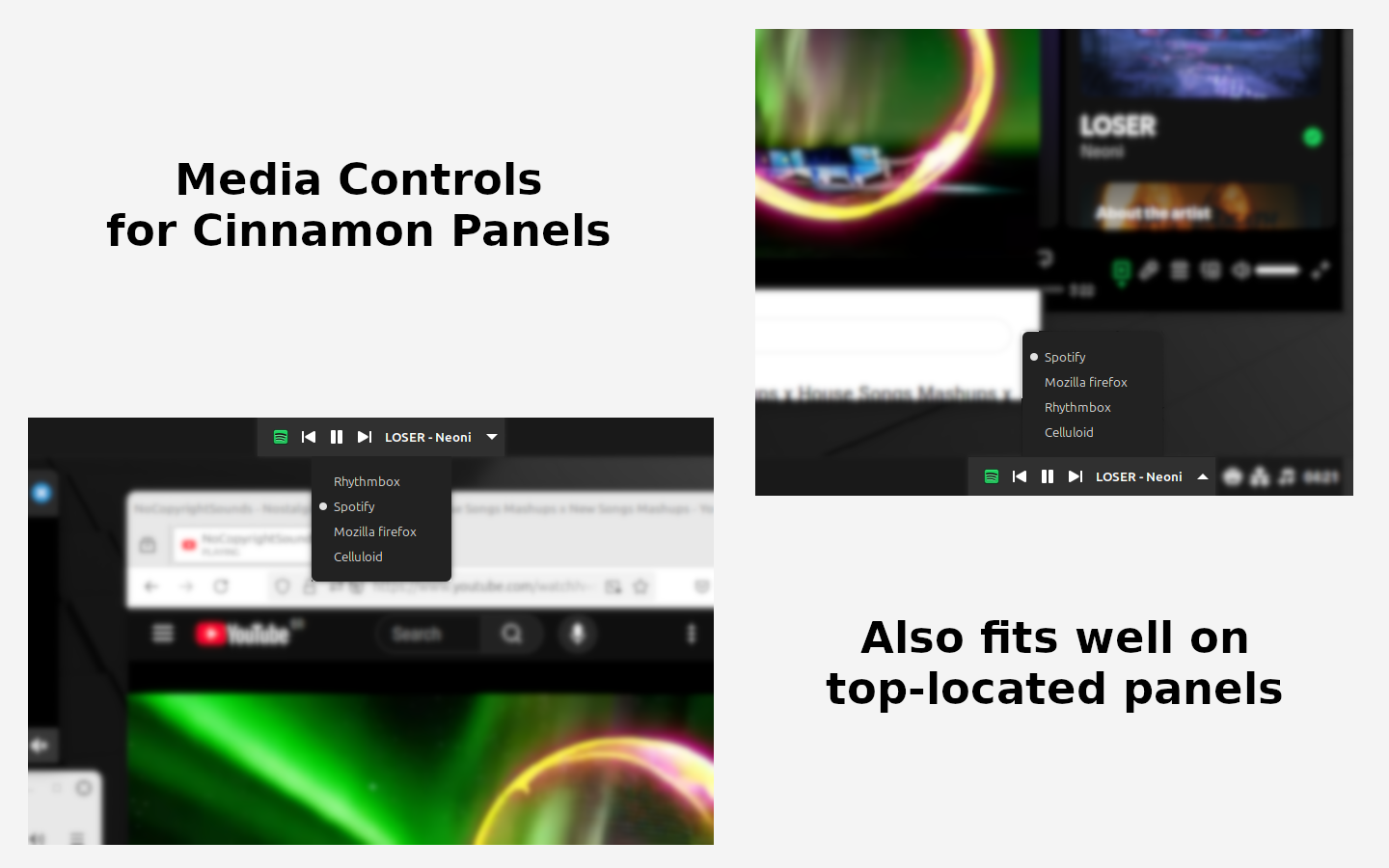
Control your media players from your panel. Works with players that uses MPRIS2 protocol.

README

Close

Media Controls

Adds multimedia controls to your Cinnamon panels.

Inspired by Gnome Shell's Media Controls by Sakith B. extension.

screenshot.png

About the Author

RBFraphael - Fullstack web developer with years of experience in PHP & JavaScript. Wanted such feature on Cinnamon for a long time, but never found a good alternative. After some thinking (and some help from AI LLMs), he build its first Cinnamon Applet: Media Controls.

About the Extension

  • It shows all running players that works with MPRIS2 protocol
  • You can toggle the active player by clicking at the appet on your panel
  • Fits well on top and bottom panels
  • Inspired by Gnome Shell's Media Controls by Sakith B. extension.
  • Used a lot the original sound@cinnamon.org applet as reference
  • Created for a personal wanting, with help from Google Gemini and OpenAI ChatGPT

Changelog

1.1.0

Special thanks to @lumapu for his ideas and contributions.

  • Settings menu added
  • Option to show/hide player icon
  • Option to show/hide track info on panel
  • Option to define which track details to display
  • Options to limit the size of the displayed media details
  • Option to show/hide player selector button
  • Option to enable/disable hover color on buttons
  • Hover color selector

1.0.0

  • First version

Log In To Comment!

10 Comments

Bradley Day
Bradley Day-1 month ago
I love this applet! use it pretty much daily, so thanks for making it! Only issue I have is that sometimes when playing youtube music in the background, the applet won't update and will only show the first song played until I interact with it
Raphael Batista Fontão
Hi! Thanks for your feedback. I'll try to investigate this behavior and improve the applet :)
giquo
giquo-5 months ago
It's great, but on youtube is just consuming all the available space of the panel, would be cool if it has a max width, or the capacity to configure it for the rest, just as great as seeing it on Gnome, thank you for your work
Raphael Batista Fontão
Latest update (1.1.0) includes a rich set of config options, including options to choose which track info you want to show and limit character length.
mythichh
mythichh-4 months ago
You could try using a spacer to limit the length of the applet.
mythichh
mythichh-5 months ago
Hey, I love the extension. Could you possibly add a setting where if there isn't anything playing the player collapses into just a headphone icon or something? An option like Mango2000 suggested would be cool too.
Mango2000
Mango2000-5 months ago
Thank you for this great Applet! Just one thing bothers me. It's how much space the track info text uses in the taskbar. If we only had an option to disable the track info and keep the buttons. I was looking for an Applet with only Media buttons, but there is none.
Raphael Batista Fontão
Latest update (1.1.0) includes a rich set of config options, including options to show/hide each element.
Andre Eidler
Andre Eidler-6 months ago
Mandou bem demais, Raphael! Muito obrigado!
CaioTechLabs
CaioTechLabs-6 months ago
Muito legal Raphael, uma extensão assim separada do applet de SOM padrão do Cinnamon era justamente o que eu queria. Parabéns pelo trabalho.