

UUID: vertical-speedmeter@2u841r
Last edited:
5 months ago
2026-05-11, 12:33
Last commit: [a9c9b4fb] Add/update Hungarian translations (#8668)
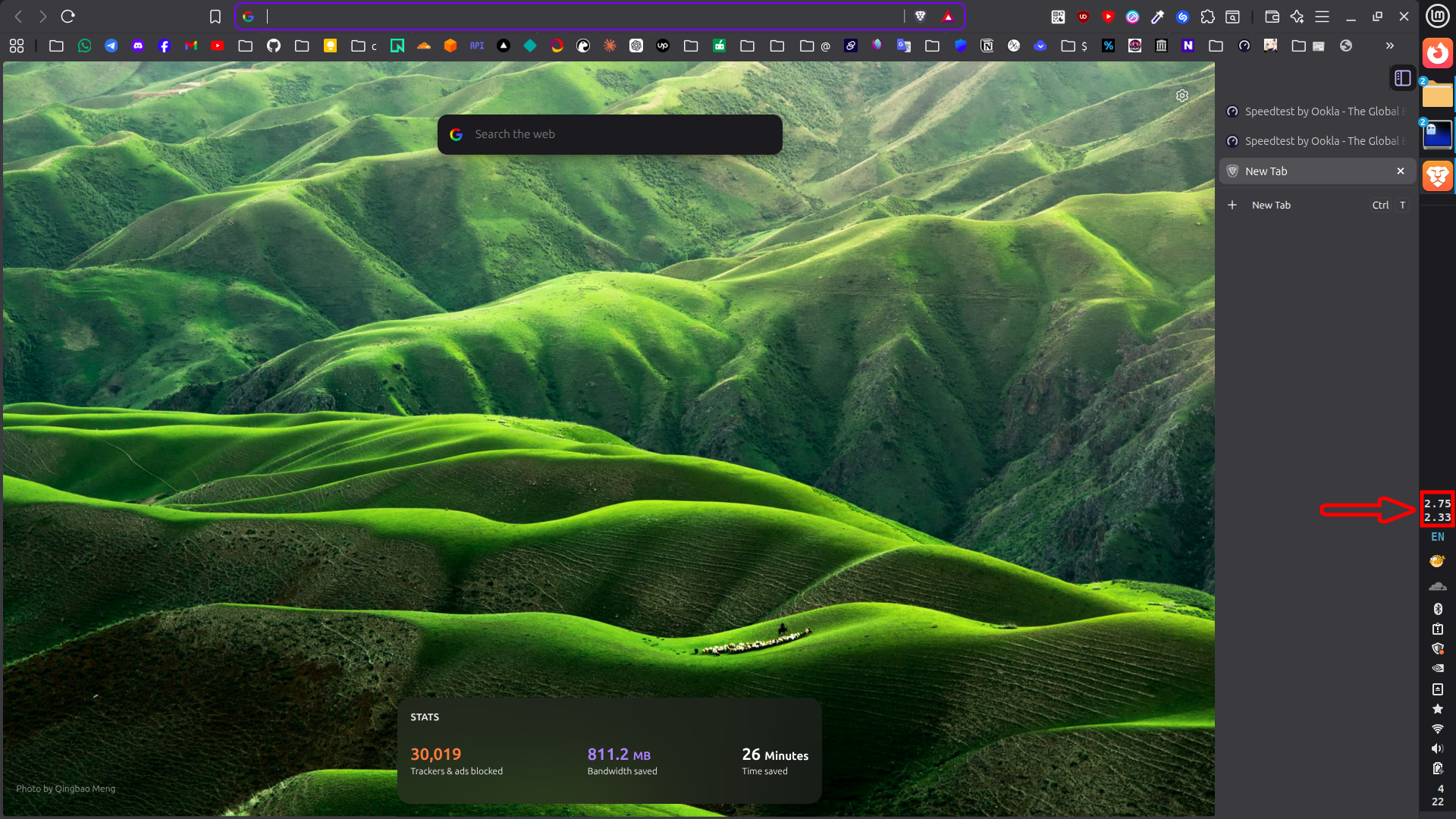
A minimal vertical panel applet with stacked upload and download rates.
README
Vertical Speedmeter
Vertical Speedmeter is a minimal Cinnamon applet that shows current network upload and download speeds in a stacked vertical label.

Features
- Vertical two-line speed display
- Asynchronous interface detection and counter reads
- No runtime writes to the applet install directory
Layout
The applet is intended for vertical panels, but it can also load on horizontal panels.
The top line shows upload speed. The bottom line shows download speed.
The panel display is kept to a compact 3-character style:
- below
1000 KB/s:123 - from
1000 KB/sto9999 KB/s:1.23 - from
10000 KB/s:12.3
Interaction
- Left click opens a popup menu with the active interface, session totals, and today totals.
- The popup menu also includes
Reset Session Stats. - Right click opens the standard Cinnamon context menu.
- The panel text stays compact and only shows live upload on the top line and download on the bottom line.
Notes
The applet reads /sys/class/net/<iface>/statistics/{rx_bytes,tx_bytes}.
Interface detection order:
- NetworkManager activated device first
ip route get 1.1.1.1as fallback when NetworkManager does not provide a usable device
Credits
- Icon logo credit: Tabler Icons - viewport-tall
- Idea/inspired from: netspeed@iMayhem
Log In To Comment!
0 Comments