
UUID: cinnamon-Hacker
Last edited:
2 months ago
2026-07-23, 19:22
Last commit: [7403583e] cinnamon-Hacker: Update README (#969)
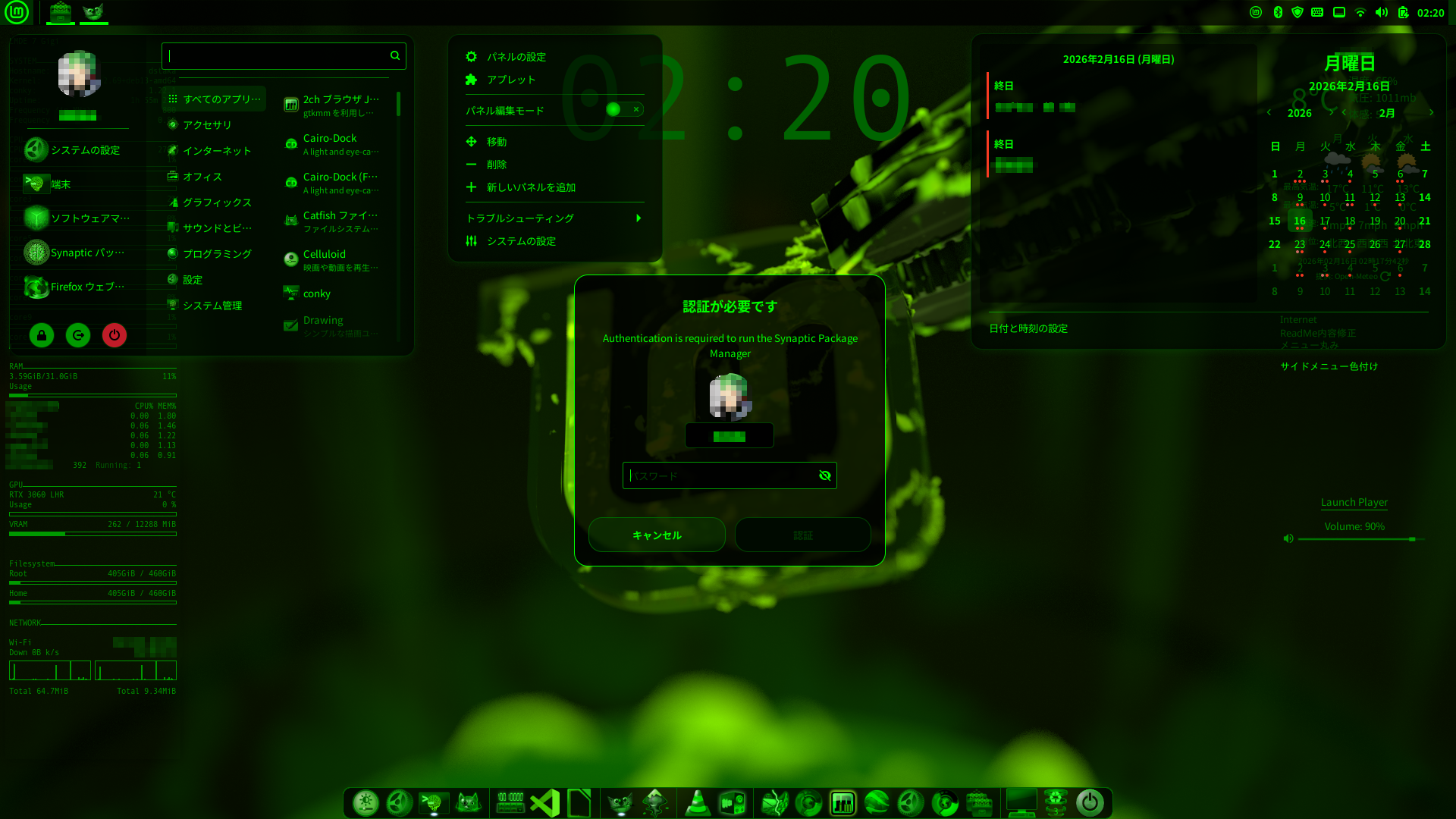
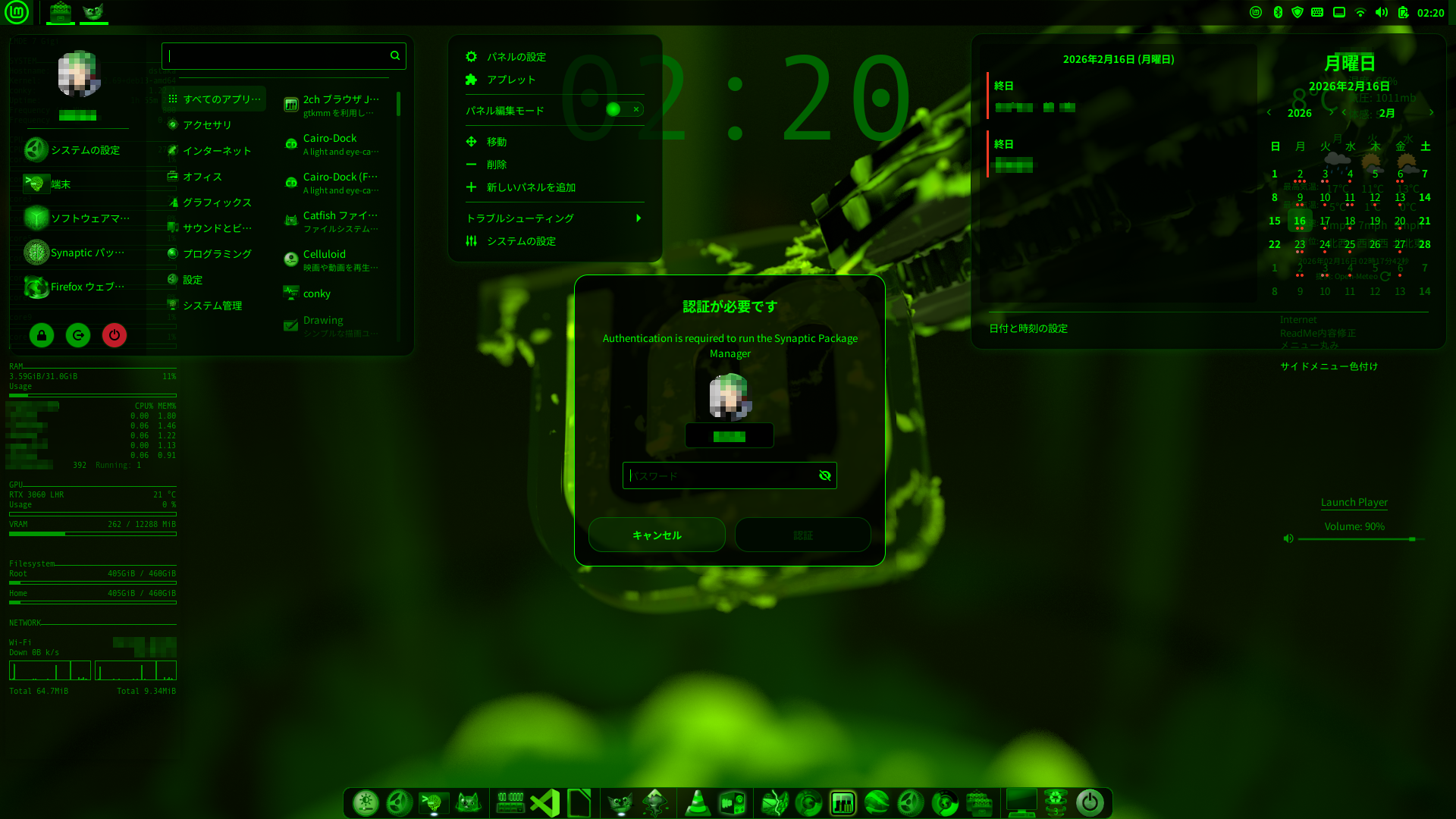
A dark theme with green highlights for the hacker aesthetic.
README
Cinnamon Hacker Theme
A dark theme for Cinnamon, based on "Pure Black and Neon Green."
Version: 2.0
What's New in v2.0
- GTK 2.0 & 3.0 Support: Added fully optimized styling for legacy and current GTK applications, ensuring a consistent cyber look across the desktop.
- GTK 4.0 Support: Fully implemented cohesive styling for modern application layers, featuring a unified solid flat black alignment and maximum neon green responsiveness.
- Cinnamon Shell Bugfixes: Fine-tuned core shell elements to prevent alignment issues and maintain rigid grid balance.
- Graphic Assets: Optimized SVG assets for improved consistency and reduced file size.
Screenshots
GTK 2 / GTK 3 Applications

GTK 4 Applications

Recommended Icon Theme
For the complete cyber look shown in the screenshots, it is recommended to use the Dedicated to Hackerer icon theme.
Download: • GitHub: https://github.com/dstakaroot/Dedicated-to-Hackerer • OpenDesktop: https://www.opendesktop.org/s/Gnome/p/2332618
Installation
For Single User:
Place the cinnamon-Hacker folder inside your local directory:
~/.themes/System-wide (Recommended):
Place the folder in the system theme directory to ensure the theme is applied consistently, including applications launched as root (e.g. Synaptic).
/usr/share/themes/Credits
- SVG Assets: Based on Tyr-jord's baseline graphic work.
Author
- dstakaroot
License
GPLv3
Log In To Comment!
6 Comments